Profile & more
Profile
In the top-right corner, you will be able to find:
: notifications about the platforms, like expected downtimes and issues,
: your profile details.
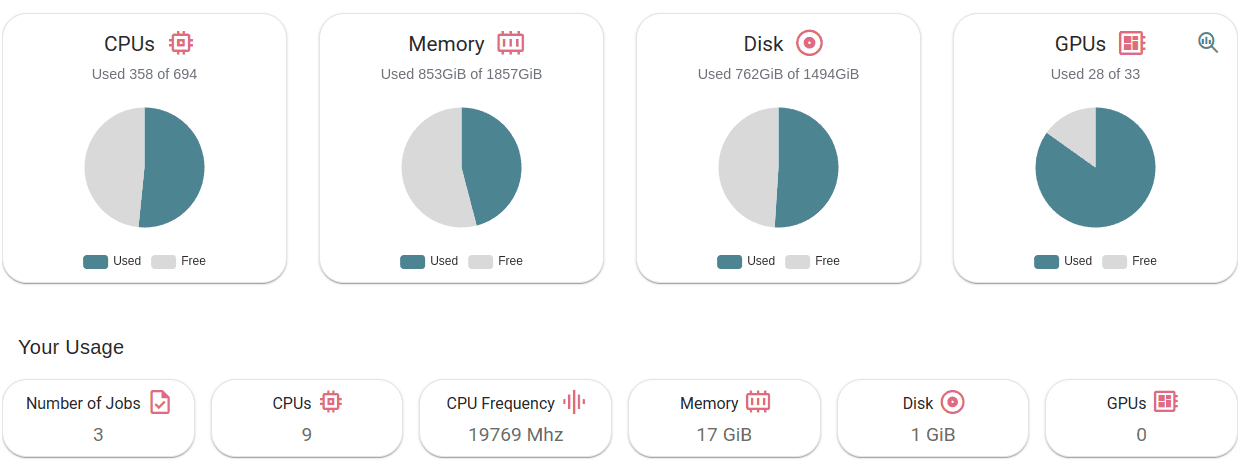
In your profile overview you will find your current groups (virtual organizations) and access levels. In the top banner you will also find your name, email and user ID.
Additionally, you also have the following dedicated tabs.
API keys
This tab centralizes the API keys created for other services from the ecosystem.

Currently you can manage here the AI4EOSC LLM API keys. To generate a new key, just provide a key name and an expiration date.
Linked storages
This tab centralizes the storages you have linked to the platform. Those storages will be mounted in your deployments, so that you can transparently access your data during training. This storages also enable additional platform functionality like one-click dataset download or automated CVAT backups.

By default, you can one-click link the AI4EOSC Storage , based on Nextcloud. You can also one-click link any other Nextcloud instance, provided it is correctly configured.
For non-Nextcloud storages, we provide a manual linking option (Add configuration manually, at the bottom). You can manually add credentials of any RCLONE-compatible storage, which includes S3, Dropbox, Google Drive, Azure Blobs, Google Cloud Storage, OneDrive, etc.
ㅤLink with any NextCloud storage service
Please, be aware that video demos can become quickly outdated. In case of doubt, always refer to the written documentation.
Linked services
This tabs groups the services you have linked with the platform, including both internal AI4EOSC services, and external services.

This currently includes:
the AI4EOSC MLflow, that allows you to track your ML training metrics.
your Hugging Face account, that allows you to deploy an LLM behind End-User-License-Agreements (EULA).
In order to link a service, you have to click on the Link button, log in the popup window and grant access to the Dashboard.
If you have previously linked the service, you also have to to delete old credentials and generate new ones using Re-link.
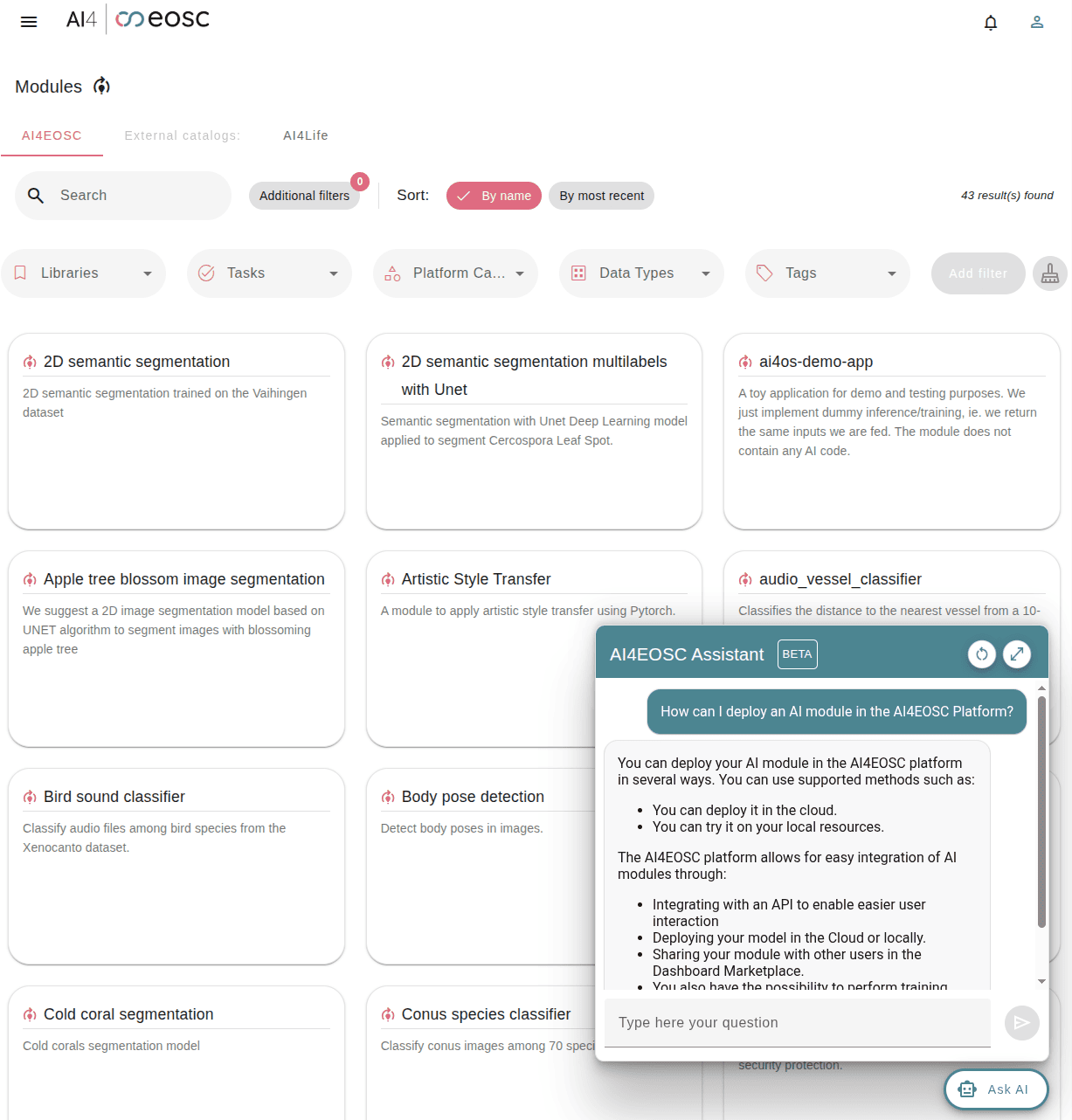
Ask AI
Finally, we have our LLM Assistant directly available from the Dashboard. You can ask it questions and it will use this documentation as a Knowledge Base to offer grounded responses.